 FontQuill
AI font generator · TTF · OTF · WOFF2
Custom Font Maker
Describe a style, upload a logo, or snap a photo of your handwriting. Get a real font file with A–Z, a–z, numbers, punctuation and accented letters that you can install and type with anywhere.
- First font free
- 27 languages, Cyrillic and Greek too
- Works in Word, Canva, Cricut
- Exact handwriting template
Free account includes 150 credits: enough for your first font. Credits come back if a font fails.
Your first font is free: 150 credits when you sign up, no card needed.
What is a custom font maker?
FontQuill is a custom font maker: it turns an idea into a font you can install. You describe the look, upload lettering to copy, or photograph your handwriting; it draws every character in that one style, spaces and kerns them, and packs them into TTF, OTF and web font files.
That is different from "fancy text" generators, which swap your letters for Unicode symbols. Those cannot be installed, show up as empty boxes in many apps, and only come in a few fixed looks.
How to make your own font in 3 steps
No design software and no drawing tablet. A font takes about a minute.
- 1
Describe it, upload it or write it
Type a sentence like "chunky retro diner letters", upload a logo or sign to copy, or write by hand: snap a few lines freehand, or fill in our printable template for an exact copy.
- 2
Pick your languages
English is always included. Tick the languages you write in, from Spanish and French to Polish, Russian or Greek, and their accented letters are added in the same style.
- 3
Download and install
Get TTF, OTF and WOFF2 files in about a minute, double-click the TTF to install it, and type with it in any app.
Three ways to start your font
Pick whichever you have: an idea, an image, or your own pen.
From a description
Write the look in plain words: shape, weight and mood. Good when you have an idea but no reference.
Describe a font →From a logo or image
Upload a logo, shop sign, poster or book cover. The maker reads the lettering and draws the letters that are missing.
Image to font →From your handwriting
Photograph a few lines of your writing, or print our template for a stroke-for-stroke copy of your own hand.
Handwriting font maker →Font styles you can make
Use one of these descriptions as a starting point, or write your own.
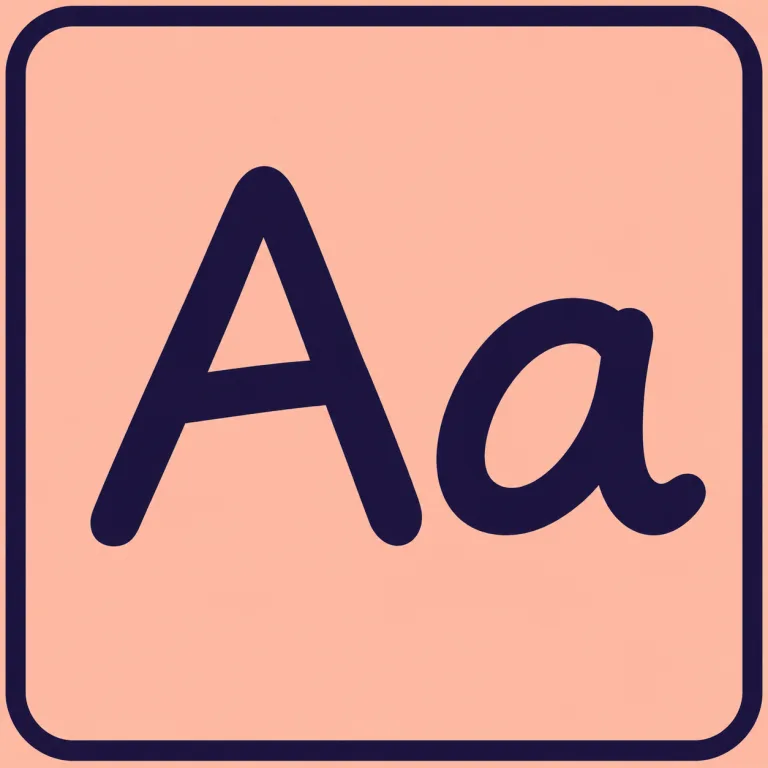
Handwriting font
“Neat, friendly handwriting with a felt-tip pen, slightly slanted”
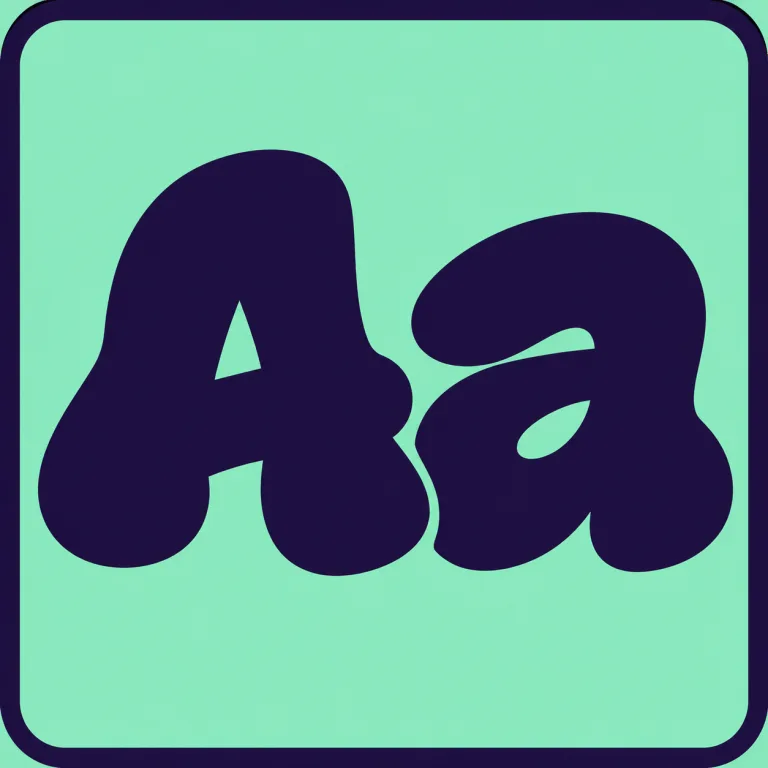
Graffiti font
“Bold graffiti throw-up letters, fat rounded strokes, slightly tilted”
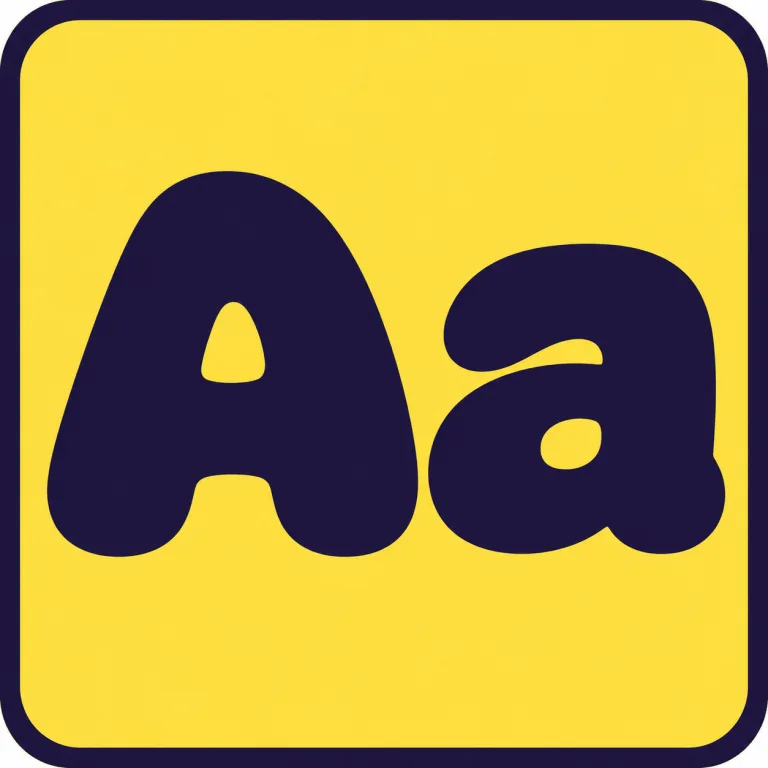
Bubble font
“Inflated bubble letters, very round and puffy, solid fill”
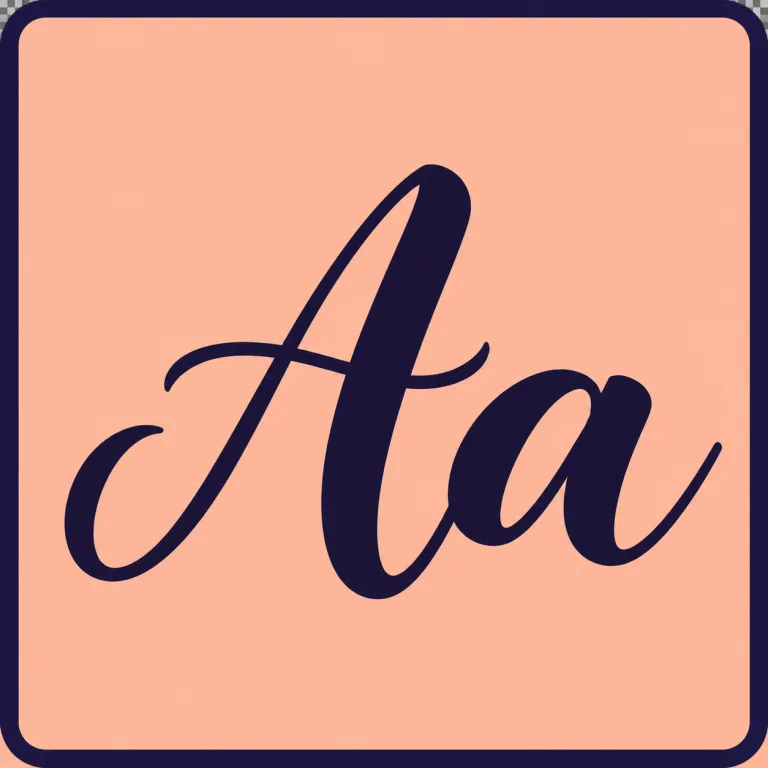
Cursive and script font
“Loose brush script, thick downstrokes, thin upstrokes, casual”
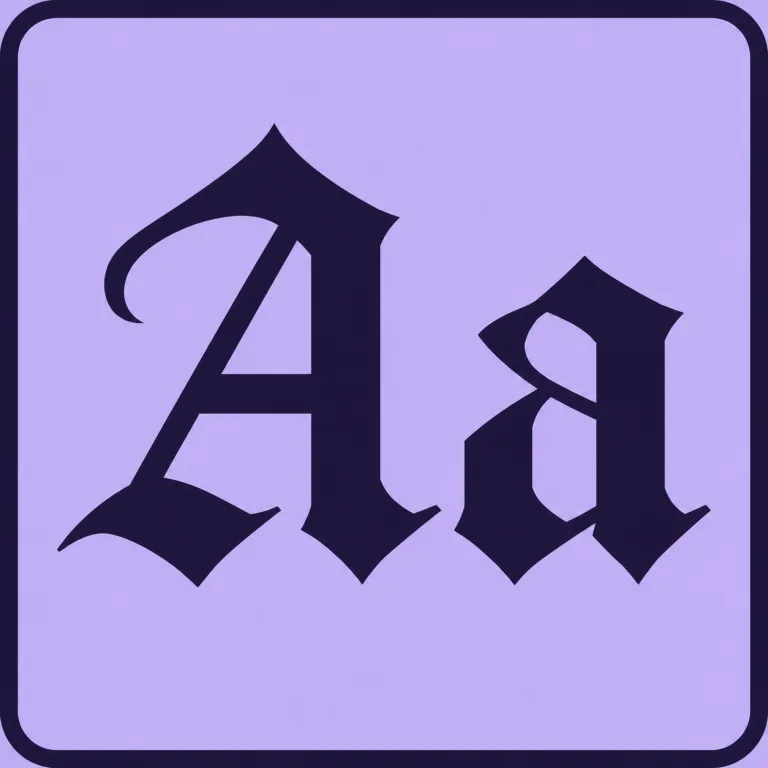
Gothic and blackletter font
“Medieval blackletter with diamond-shaped serifs, medium weight”
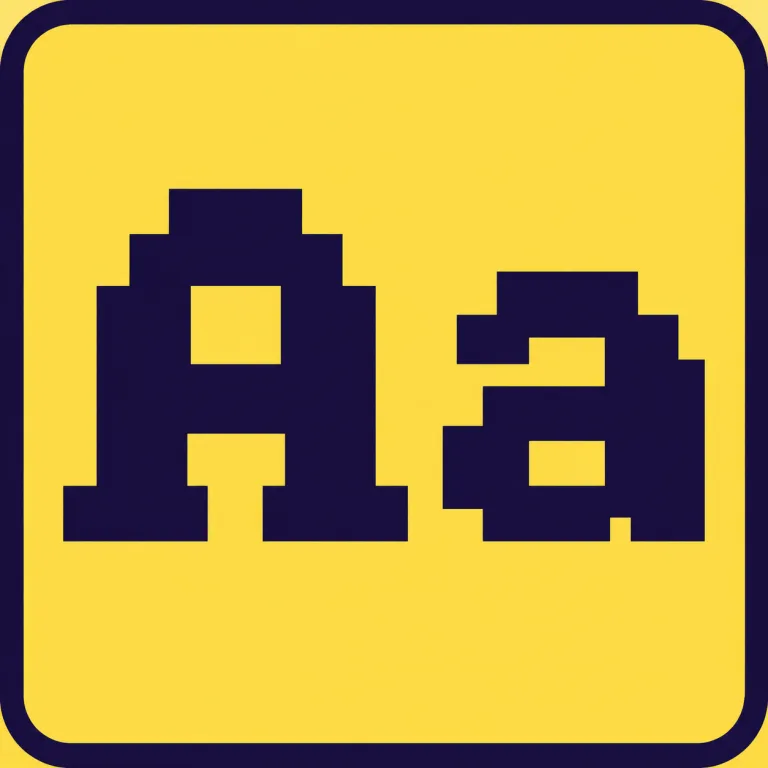
Pixel font
“Blocky 8-bit pixel letters built from square pixels”
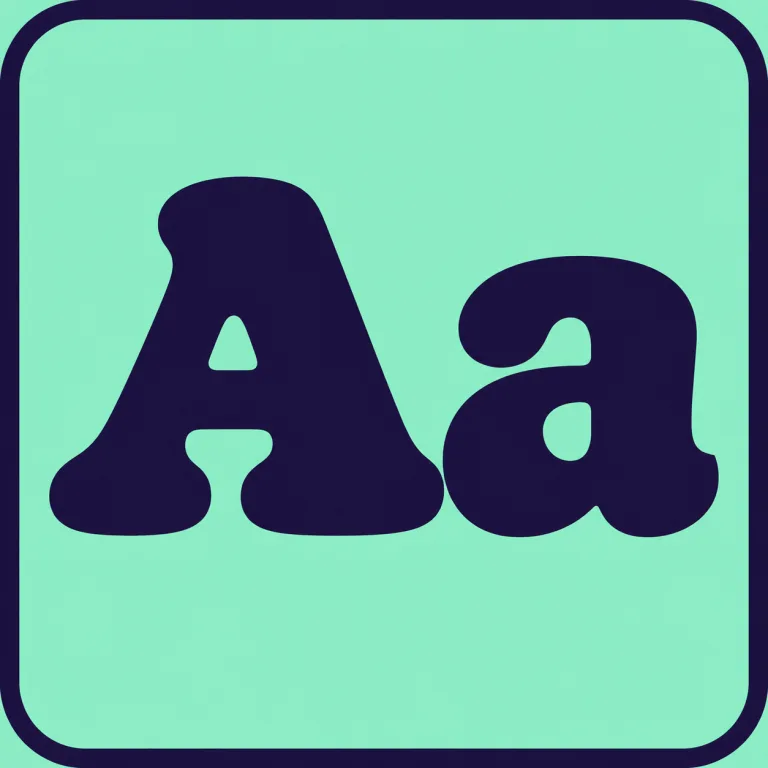
Retro display font
“Chunky 1970s diner letters with rounded corners and a slight bounce”
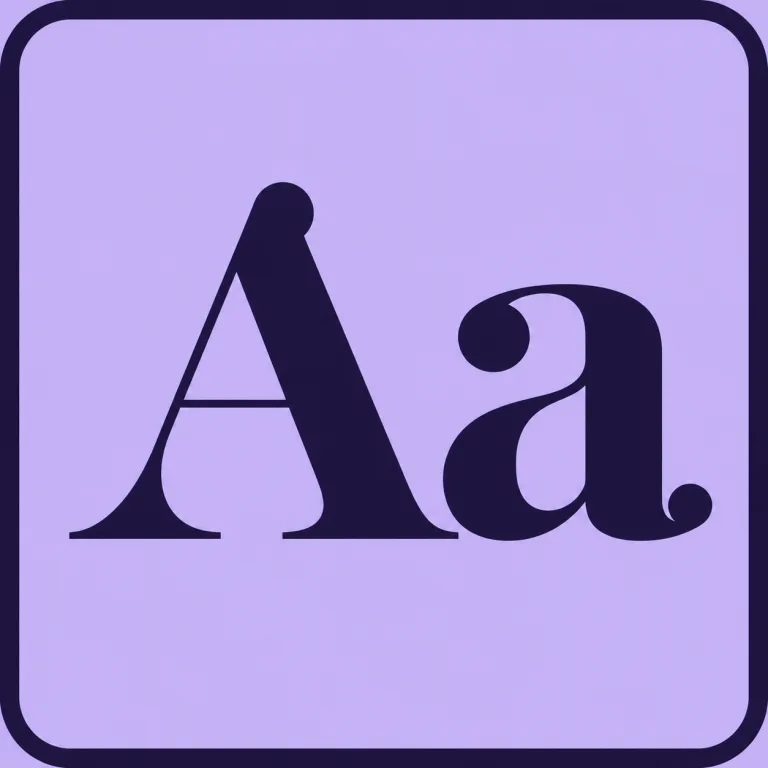
Elegant serif font
“High-contrast serif with sharp hairlines and ball terminals”
What you get in every font
A standard font file that installs like any font you buy.
- Characters
- 133 in the English set: A–Z, a–z, 0–9, punctuation and symbols such as € £ ©. Each language adds its accented letters, up to 259 for 20 European languages
- Languages
- English plus any of Spanish, Portuguese, French, German, Italian, Dutch, Catalan, Polish, Czech, Slovak, Hungarian, Romanian, Turkish, Croatian, Slovenian, the Nordic languages, Russian, Ukrainian, Belarusian, Bulgarian, Serbian, Macedonian and Greek
- Files
- TTF and OTF for computers, WOFF2 and WOFF for websites, plus install steps and a ready-made CSS file
- Outlines
- Vector curves, sharp at any size and clean for cutting machines
- Spacing
- Letter spacing and kerning set automatically, so pairs like AV, To and LT sit right
- Font name
- Your choice; it is the name you will see in the font menu
- Licence
- Commercial use on Pro, Studio and credit packs; personal use on Starter
Works in
- Microsoft Word and PowerPoint
- Canva (upload needs Canva Pro)
- Cricut Design Space
- Photoshop, Illustrator and Affinity
- Figma (desktop app)
- Websites, via WOFF2 and @font-face
- Procreate and Goodnotes
Good to know
- One weight per font. Want a bold version too? Make a second font and describe it as bold.
- Chinese, Japanese, Korean, Arabic, Hebrew and Indian scripts are not included: they need thousands of characters or joined letters.
- Google Docs cannot load your own font files; that is a Google Docs limit, not the font.
- AI draws each letter fresh, so small quirks can appear. Redraw any letter you do not like, or use the template when you need your exact handwriting.
Why make your font with FontQuill
No design skills needed
You describe or show the style; the maker draws every character and builds the accents. No font editor, no vector work.
Your exact handwriting, or AI in your style
Photograph a few lines and AI draws every letter the way you write in about a minute. Or print the FontQuill template, write one character per box and get your own strokes, exactly. Accents are built from the marks you write.
Your first font is free
150 free credits when you sign up cover a full English font, or one with Spanish, French or German accents. No card needed.
Credits back if it fails
If a font cannot be made, or you cancel while it is being made, the credits return to your balance automatically.
Fix one letter, not the whole font
Click a letter you do not like and redraw it for 50 credits, with a note such as "wider" or "less curly". Its accented versions update with it.
Kerning done for you
Every pair of letters is measured and tightened or opened where needed, so words look even without manual spacing.
Your uploads are not kept
Images you upload are deleted after 2 days. Your font files stay in My fonts for 7 days, so download them.
Who uses a custom font maker
Small brands and shops
Extend a logo into a full alphabet for menus, packaging, price tags and social posts.
Cricut and craft makers
Personal lettering for vinyl decals, mugs, cards and labels, cut as clean outlines.
Teachers and parents
Worksheets and labels in a child's own handwriting, or a class font everyone recognises.
Weddings and events
Invitations, place cards and signs that all share one script.
Game and video creators
Title lettering that matches your world, ready for game engines and editing apps.
Designers
Fast custom type explorations for pitches, before committing to hand-drawn work.
How to choose a custom font maker
Four ways to get your own font, compared on what matters when you choose.
| FontQuill | Handwriting template apps | Font editor software | Fancy text generators | |
|---|---|---|---|---|
| Installable font file | Yes: TTF, OTF, WOFF2 | Yes | Yes | No, Unicode symbols only |
| Accented letters | Yes, built automatically | Only if you write each one | You draw each one | Partly |
| Cyrillic and Greek | Yes, as extra languages | Some apps, extra template | You draw each one | No |
| Start from a description | Yes | No | No | No |
| Start from a logo or photo | Yes | No | Manual tracing | No |
| Start from your handwriting | A photo, or an exact template | Yes, print and fill a template | Manual drawing | No |
| Skill needed | None | Neat writing | Type design | None |
| Time to a first font | About 3 minutes | 15–30 minutes | Days to weeks | Instant |
| Cost of one font | First font free, then from $9 a month | Often free with limits | Free to hundreds of dollars | Free |
Template apps and font editors give you the most control letter by letter; this maker is the fastest way from an idea to a working font.
How to describe a font that comes out well
Name three things: the stroke shape, the weight, and the mood or era. Leave out colors, textures and backgrounds; a font is solid black outlines.
“Tall condensed sans with sharp corners, heavy, art deco poster”
Shape + weight + era
“Loose brush script, thin strokes, friendly and casual”
Good for invites, cafés and cards
“Inflated bubble letters, very round, no outlines”
Good for kids, stickers and party signs
“Rough hand-cut stencil letters, bold, military crate”
Good for labels, games and posters
Your first font is free
See pricing150 free credits when you sign up
Enough for a full font in English, or with Spanish, French or German accents. No card needed.
Plans from $9 a month
Starter 500 credits (about 5 fonts), Pro 5,000 (about 50), Studio 15,000 (about 150), 20% off yearly. Or 300 credits for $4.99 with no subscription.
Pack credits do not expire
Credits from a pack stay on your account until you use them, and any credits come back if a font fails.
Custom font maker FAQ
Is there a free custom font maker?
Yes, your first font is free. A free account comes with 150 credits, and a full English font costs 100; each language you add costs a few more (Spanish +16, German +8). After that, use a plan or a one-time pack.
Can I make a font from my handwriting?
Yes, two ways. For a quick result, photograph a few lines of your writing under "My handwriting" and AI draws the rest in your style. For an exact copy, print our template, write one character per box and upload a photo from your computer or phone: the font is your own writing, stroke for stroke. Step by step: how to make a font of your handwriting.
Can I turn a logo into a full font?
Yes. Upload the logo under "From an image" and the maker draws every character in its style, including letters your logo does not contain. Clear, high-contrast lettering gives the closest match. More on turning an image into a font.
Which characters does a font include?
The English set has 133: A–Z, a–z, 0–9, punctuation, curly quotes and dashes, € £ ¥ © ®. Each language you add brings its own letters, such as á é ñ ü for Spanish or ß ä ö ü for German; all 20 European languages together make 259.
Can I make a font with Spanish, French, German or Polish accents?
Yes. Tick the languages before you make the font. The maker draws each accent once in your style and places it on every letter that needs it, so á, è, ñ, ü, ç, ß, ł and ő all match.
Can I make a Russian (Cyrillic) or Greek font?
Yes. Tick Russian, Ukrainian, Belarusian, Bulgarian, Serbian, Macedonian or Greek before making the font, or add them later to a font you already made. Russian adds 66 credits and Greek 69.
Can I use the fonts commercially?
Yes, on the Pro and Studio plans and with credit packs: use your fonts for logos, products, merchandise and client projects. Fonts made on the Starter plan or with free credits are for personal use. The LICENSE file in each download says which applies.
How do I install my font?
Download the TTF, double-click it and choose Install (Mac and Windows). It then appears in Word, Photoshop, Cricut Design Space and other apps. Canva lets you upload it with Canva Pro. Full guide: how to install a font.
Does it work with Cricut Design Space?
Yes. Install the TTF on your computer and it shows up under System fonts in Design Space. The outlines are closed vector shapes, so they cut cleanly. See the Cricut font maker for cutting tips.
What happens if the font comes out wrong?
If a font cannot be made, the credits go back to your balance automatically. If it works but is not the look you wanted, redraw single letters, or change the description and make it again.
Can I edit a single letter?
Yes. Click the letter in your result and redraw it for 50 credits, optionally with a note such as "make it wider". Accented versions of that letter update too. For a template font, rewrite the box and upload the page again. For point-by-point edits, open the TTF in a free editor such as FontForge.
What happens to the images I upload?
They are used only to make your font and are deleted after 2 days. Your finished font files are kept in My fonts for 7 days.
What is the best custom font maker?
It depends on what you start from. To turn an idea or a logo into a font in minutes, an AI maker like this one is fastest. For letter-by-letter control, a font editor is better. For a handwriting font from a printed template, template apps work well.
Make your font with FontQuill
Describe it, upload a logo, photograph your handwriting or fill in the template. Your first font is free.
Make my font